
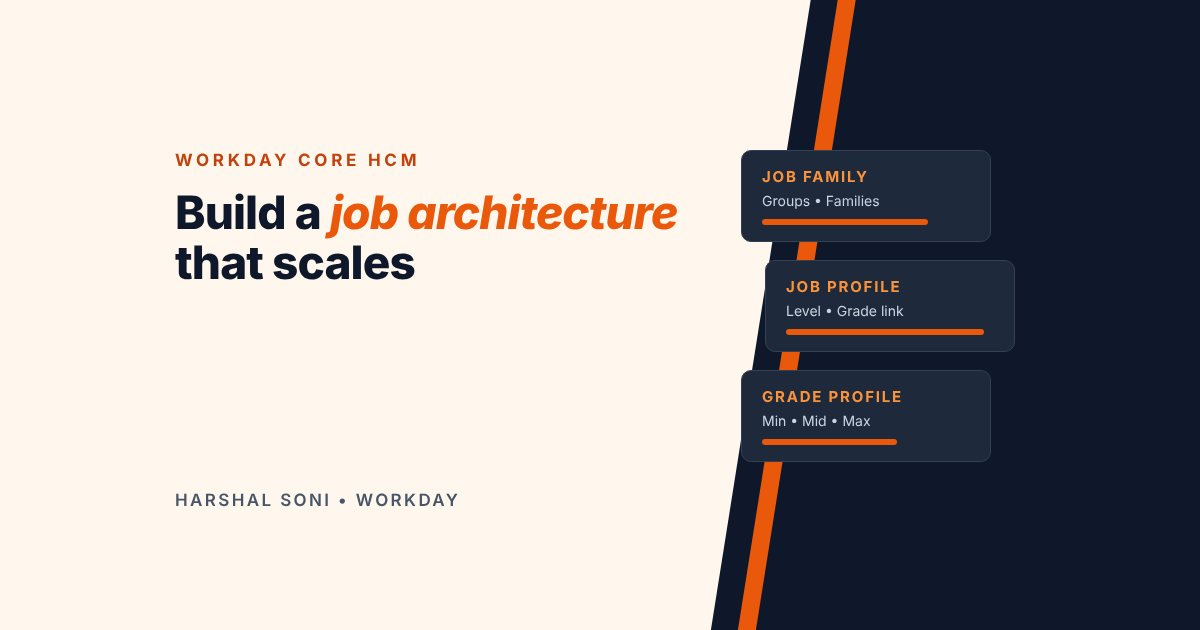
Job architecture is the backbone of Core HCM. Positions, Recruiting, Compensation, Reporting and Security all lean on it, so mistakes made here spreads everywhere. A clean structure makes every later project easier; a messy one makes every later project harder.
In Workday there are two connected structures to build: the job structure (job family groups, job families and job profiles) and the pay structure (compensation grades and compensation grade profiles). Job profiles are where the two meet.
Step 1: Design before you configure
Before touching the tenant, agree on a few decisions in a workshop with HR, Compensation and the business:
- How many levels you need, and what each level means.
- Whether job profiles are generic (one per role and level) or specific (one per team or location).
- How grades map to levels, and how many grades you really need.
- Who owns changes after go-live.
Fewer, well-defined profiles beat hundreds of near-duplicates. Every extra profile is something to maintain, secure and report on.
Step 2: Create job families and job family groups
Job families group similar jobs, for example Software Engineering, Payroll or Field Operations. Job family groups collect related families into broader functions such as Technology, Finance or Operations.
- Use clear, business-recognizable names, and avoid abbreviations only HR understands.
- Keep the hierarchy shallow. Two levels (group and family) is usually enough.
- Check that every family has a distinct purpose, so a job profile never has two obvious homes.
Step 3: Create compensation grades
A compensation grade is a band that represents a level of pay. Define the grade structure first, because job profiles refer to it. Typical choices include:
- A consistent naming convention, such as numbered grades or letters tied to levels.
- Enough grades to separate real differences in scope, but not so many that adjacent grades overlap meaninglessly.
- A plan for who can create or change grades, since they affect pay.
Step 4: Create compensation grade profiles
Grade profiles holds the variations in the actual pay ranges for a grade: minimum, midpoint and maximum. This is where the pay structure becomes concrete.
- Set ranges in the right currency and pay frequency for each region.
- Create separate grade profiles where ranges differ by country or market, and keep one grade where the structure is the same.
- Load the ranges from a validated source file, and have Compensation sign off before loading.
- Plan the annual process for updating ranges, because pay structures move with the market.
Step 5: Create job profiles
Job profiles describe the job itself: title, job family, level and category, plus the other attributes your processes need. This is where architecture connects to pay: each job profile is linked to a compensation grade, so workers in that job inherit the right range.
- Assign every profile to a job family and a compensation grade.
- Keep job titles consistent and separate from business titles, so job profiles stay stable while teams use titles that fit them.
- Fill in the fields that drive downstream processes, such as management level, exempt status and job category, because reports, compensation and recruiting all use them.
- Maintain job descriptions in one place so recruiters and managers see the same expectations.
Common mistakes to avoid
- Too many job profiles. Creating one profile per person recreates the problem you were trying to fix. Also, avoid creating same job profiles per country.
- Building grades after profiles. Profiles need a grade to point to, so build the pay structure first.
- Ignoring global differences. Local pay ranges, currencies and job titles need planning early.
- No governance. Without an owner and a change process, the structure drifts within a year.
- Poor data in the load. Validate names, levels and ranges in a spreadsheet before they go into Workday.
A simple build order
- Run the design workshop and sign off levels, families and grade structure.
- Create job family groups and job families.
- Create compensation grades.
- Create compensation grade profiles with ranges.
- Create job profiles and link them to families and grades.
- Test with real positions and workers, and check reports and compensation views.
- Document ownership and the change process.
Job architecture is the foundation for compensation planning too, since planning cycles rely on clean grades and profiles. If you are planning a Core HCM build or want your current structure reviewed, see my Workday consulting services or get in touch.
